ec2-sandbox: a GPU dev environment on AWS
I’ve been building ec2-sandbox, a small Terraform + Makefile setup to spin up a GPU development environment on AWS on demand.
The motivation
I wanted to experiment with LLMs, specifically deploying them with vLLM, but it was difficult because I didn’t have a computer with a GPU. I looked at different providers I could use, like Vast.ai. However, I use AWS most of the day at work, so for me it was the obvious option.
EC2 instances on AWS are among the more expensive options, but if you use Spot instances, the price becomes comparable to the alternatives. For example, a g4dn.xlarge (1x NVIDIA T4, 4 vCPU, 16 GiB RAM) in eu-west-1 runs about $0.587/hr on-demand versus roughly $0.33/hr on Spot — around 44% cheaper. Since I already know how to use AWS and can set everything up quickly, and since I’m also running other projects on AWS, it made sense to keep everything together. So I decided to set up a development environment on AWS where I could test and develop projects with vLLM.
One way to reduce the risk of losing a Spot instance to interruption is to deploy it in a region that’s outside working hours where you are, since demand (and the chance of AWS reclaiming the instance) tends to be lower then. For example, if you’re in Spain, you could use a region in the US; if you’re in Chile, you could use a region near Australia.
Like most people, I don’t want to pay extra money, so I want the instance to be up only when I’m actually using it. I also wanted it to be as easy to use as possible. To achieve this, I created a Terraform setup that provisions an AWS EC2 GPU instance in the simplest way possible, using the default VPC, along with a set of make commands that give me an instance with everything I need to work: Git, and the right drivers to work with the GPU. On top of that, I added some extra configuration for convenience, like VS Code Remote-SSH setup.
Usage
Deploy the instance:
1
make deploy-infra
This runs terraform init and terraform apply, creating the GPU EC2 instance, its security group (SSH access restricted to your current public IP), IAM role, and key pair.
Deploy and connect via VS Code:
1
make configure-ec2-ssh
This deploys the infrastructure, waits for the instance to be ready, configures an SSH Host entry in ~/.ssh/config, copies over your ~/.gitconfig, creates a ~/repos folder on the instance, and opens it remotely in VS Code.
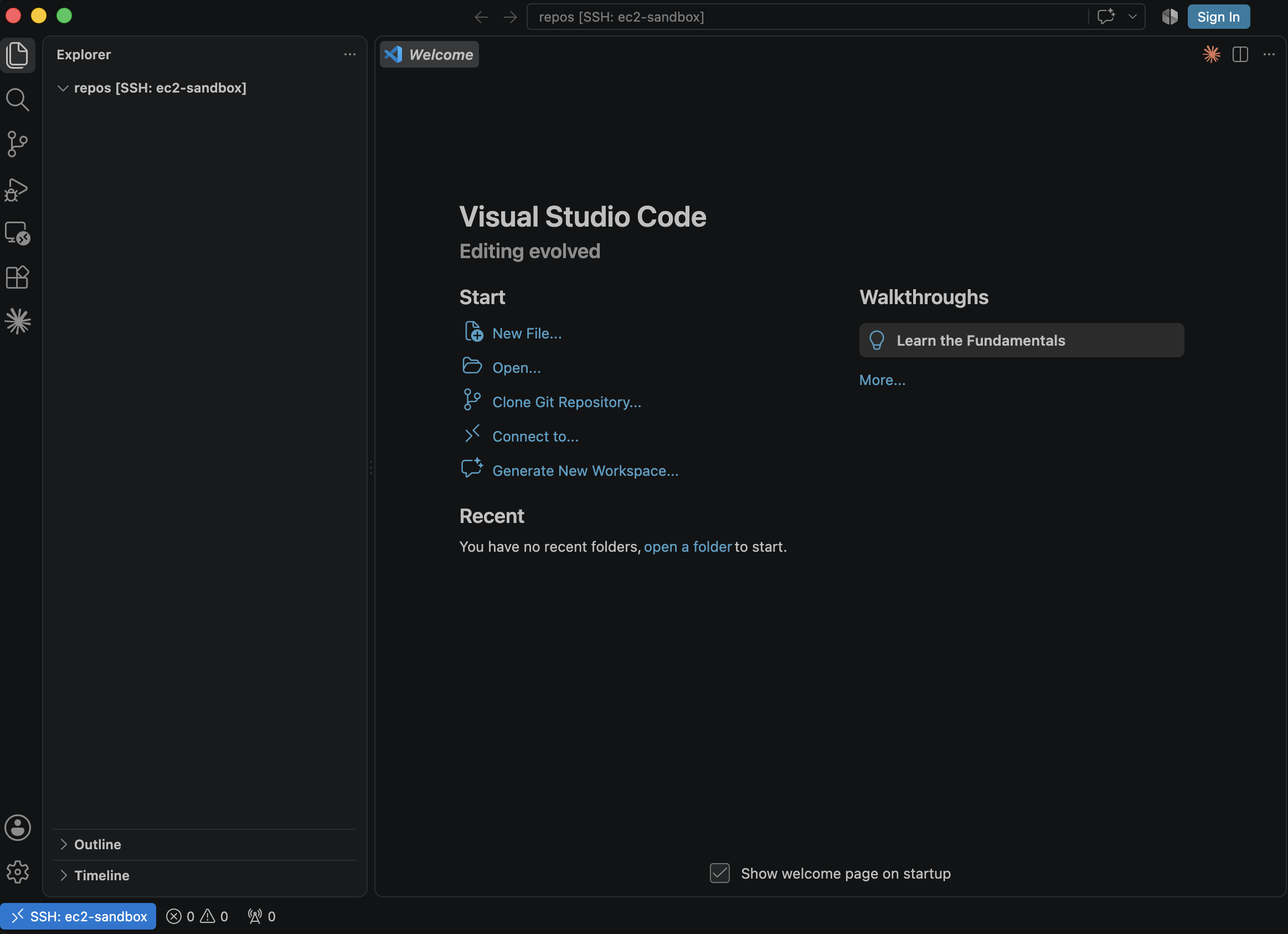
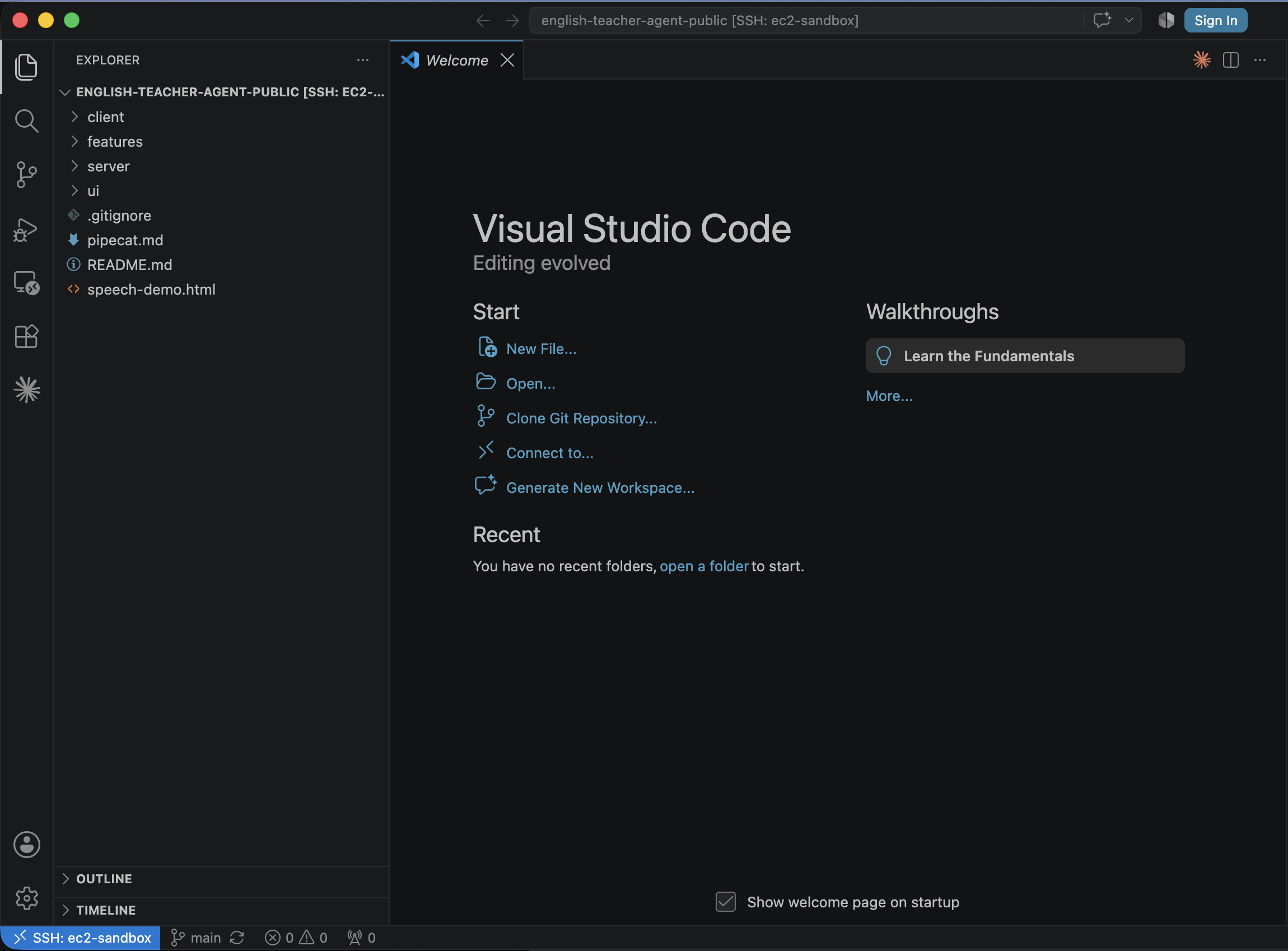
From there, if you want, you can extend the target to clone a repo and open VS Code directly in that folder:
1
2
3
4
5
6
7
8
9
10
11
configure-ec2-ssh: deploy-infra
	sleep 30
	rm -rf ~/.vscode-server
	$(eval GPU_DNS := $(shell AWS_PROFILE=myaws aws ssm get-parameter --region eu-west-1 --name /ec2-sandbox/public-dns --query Parameter.Value --output text))
	sed -i '' '/^Host ec2-sandbox$$/,/^Host /{ /^Host ec2-sandbox$$/d; /^Host /!d; }' ~/.ssh/config
	printf '\nHost ec2-sandbox\n  HostName %s\n  User ec2-user\n  IdentityFile ~/.ssh/id_ed25519\n  ForwardAgent yes\n' "$(GPU_DNS)" >> ~/.ssh/config
	scp ~/.gitconfig ec2-sandbox:~/.gitconfig
	ssh ec2-sandbox 'mkdir -p ~/.ssh && ssh-keyscan -H github.com >> ~/.ssh/known_hosts 2>/dev/null'
	ssh ec2-sandbox 'mkdir -p ~/repos'
	ssh ec2-sandbox 'git clone https://github.com/quezadasubiabre/english-teacher-agent-public ~/repos/english-teacher-agent-public'
	code --remote ssh-remote+ec2-sandbox /home/ec2-user/repos/english-teacher-agent-public
Note the ForwardAgent yes line in the SSH config. This forwards your local SSH agent to the remote instance, so it can use your local private key to authenticate with GitHub — letting you clone and pull your repos on the instance without copying any keys to it.
Destroy the instance when you’re done:
1
make destroy-infra
Postnotes
In this setup, the EBS volume is not reused between instances - a fresh volume is created each time, though it’s possible to configure it to be reused instead. Reusing the volume would avoid losing your work if the Spot instance is reclaimed by AWS, but I’d rather avoid the extra cost for now. After several days of use I haven’t run into any problems, though I may decide it’s worth switching to a reused volume in the future.
Code is up at github.com/quezadasubiabre/ec2-sandbox.